AI Children's Book Illustrations: How to Keep Characters Consistent Across 24 Pages
The exact prompt structure, reference-image workflow, and model choice that keeps your AI-generated fox, bunny, or hero looking like the same character on every spread — without hours of re-rolls.
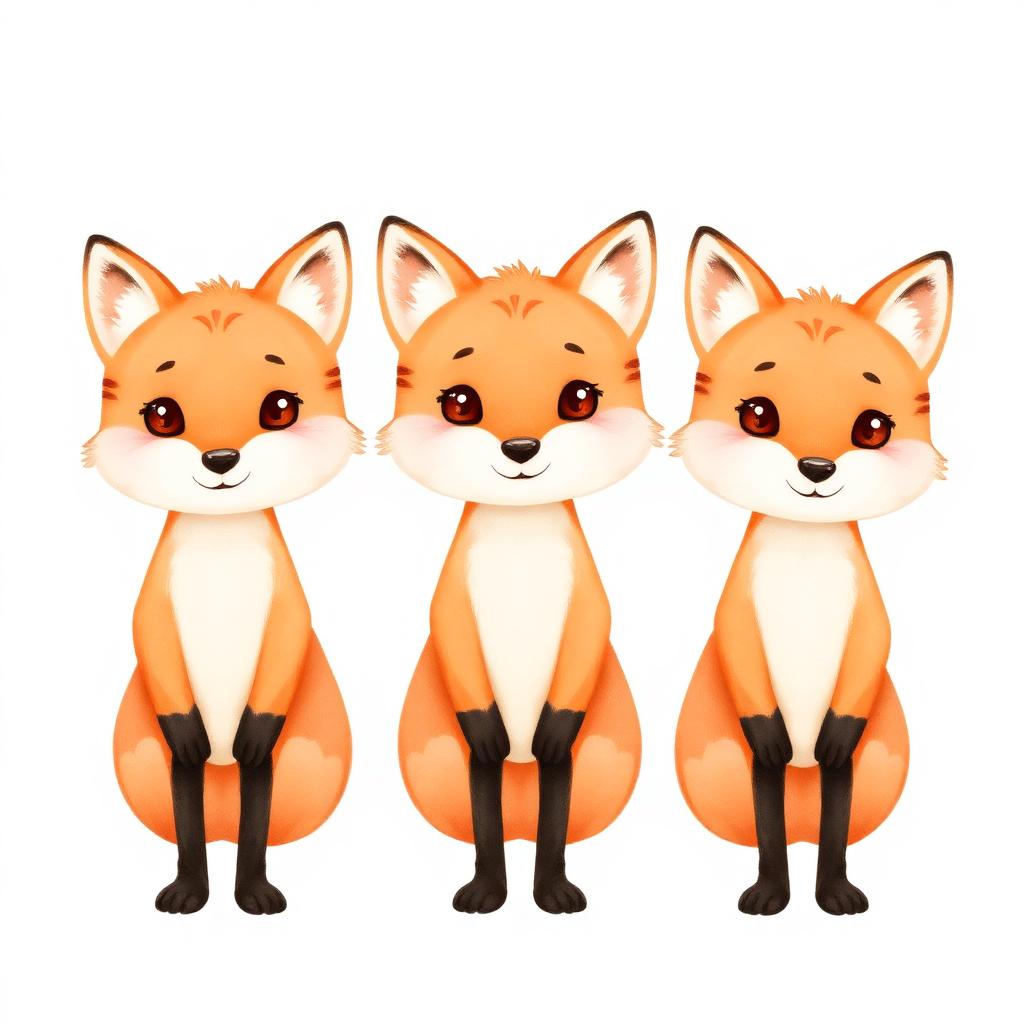
The #1 reason AI-generated children's books get 2-star reviews isn't the story — it's the illustrations. Spread 4 has a fox with three legs, spread 7 has a different fox entirely, spread 12 has a fox that's suddenly a cat. Parents notice instantly, kids point it out, the review tanks the listing. Here's the prompt structure and workflow that keeps your character looking like the same character on every page.
Why consistency is the hardest part of AI illustration
Image models generate each image independently. Without anchoring, "a friendly orange fox in a blue sweater" produces a different fox every time — different ear shape, different eyes, different sweater. You have to anchor the model to a reference, not a description.
The model choice that matters
- Reference-image-aware models (Midjourney with cref, Gemini Flash Image with reference, ChatGPT image gen with attached image) — these are mandatory. Plain text-to-image models cannot maintain character consistency at book scale.
- Character LoRA / Style references — for advanced workflows, train a tiny LoRA on 8–12 reference renders of your character. Best consistency available in 2026 for under $50.
The 4-step reference-locked workflow
- Generate the character sheet first. One image with 3–5 poses of your character on a white background. This is your master reference.
- Lock the style. Pick one style modifier ("soft watercolor children's book illustration, pastel palette, white background") and use it identically on every page prompt.
- Reference the master sheet on every scene prompt. Attach the character sheet as the reference image. The prompt becomes scene-only: "Fox sits at a small wooden table, reading a book, morning sunlight from the left."
- Reject anything that drifts. If a generation strays — wrong ear shape, wrong sweater — discard and re-roll. Don't ship "close enough"; readers catch it.
The prompt template that works
"[scene description in 1–2 sentences], in the style of the attached reference image, soft watercolor, pastel palette, white background, children's picture book illustration, centered composition." Keep scene descriptions short and concrete. The style and character come from the reference; the prompt only changes the action.
Two final guards before publishing
- Side-by-side audit. Lay every spread on one canvas. Drift jumps out immediately at this scale.
- Read-aloud test. Have a real 5-year-old listen and watch. If they ask "is that the same fox?" — re-roll.
Bottom line
Character consistency is a workflow problem, not a model problem. Build the character sheet once, lock the style, reference every prompt, audit at the end. Pair this with the cover and hook fundamentals from our children's book sales guide and you'll ship a book that looks professional — and reviews like one.
Ready to put this into practice?
Start writing your KDP-ready book with AI — free, no credit card.
Start writing free