KDP Cover Mockup Tools in 2026: Make Your Book Look Bestseller-Tier in 10 Minutes
The mockup tools that turn a flat KDP cover PDF into the polished hardcover, paperback, and 3D stack images that lift social click-through by 2–3x — with free and paid picks for every budget.
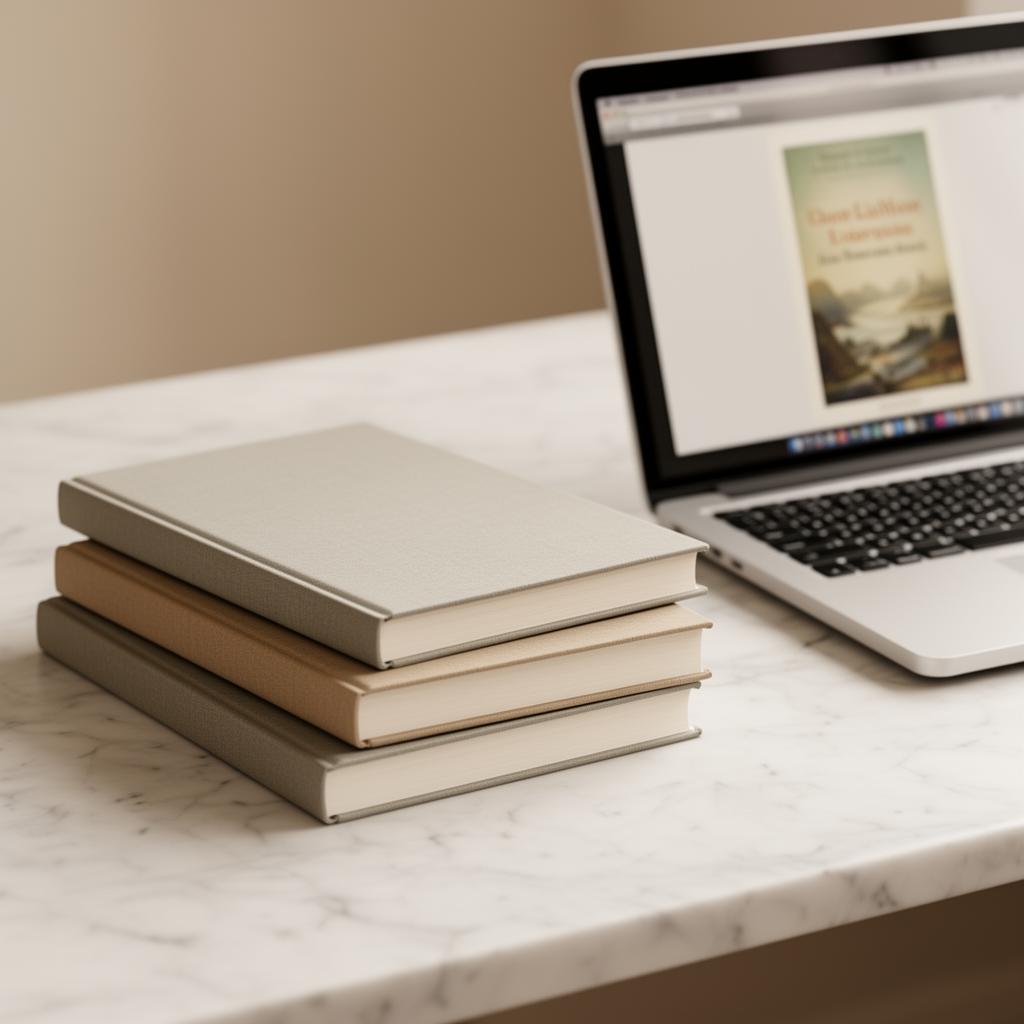
A flat KDP cover PDF is invisible on social media. The same cover wrapped around a 3D hardcover or stacked next to a paperback gets 2–3x the click-through on Instagram, TikTok, Facebook ads, and newsletter promotions. The good news: in 2026, you don't need Photoshop or a designer. These mockup tools take your KDP cover file and produce bestseller-tier marketing images in under ten minutes.
Why mockups matter for KDP marketing
Amazon shows your book as a flat thumbnail because Amazon controls that surface. Everywhere else — your author website, Instagram, BookTok, ARC pitches, Facebook ads, BookBub creative — you control the presentation. A 3D rendered hardcover with realistic shadows reads as "real published book" to a scrolling viewer in a way a flat JPEG simply doesn't.
Free mockup tools (good enough for most launches)
- DIY Book Covers Mockup Generator — drag-and-drop, 30+ angles, exports at 2000px. Watermark-free on the free tier. Best for paperback and trade paperback shots.
- Smartmockups (free tier) — 200+ scenes including hardcover on desk, books in hand, e-reader displays. The free tier caps at low resolution but works for social posts.
- Placeit (free trial) — strong on lifestyle scenes (book on coffee table, beside a candle). 7-day trial is enough for a launch.
- Adazing 3D Book Cover Creator — free, fast, browser-based. Limited angles but reliably good output for ad creative.
Paid mockup tools worth the money
- Smartmockups Pro ($14/month) — unlimited high-res exports, custom backgrounds, video mockups. Worth it if you're publishing more than 4 books a year.
- Mockup World Pro PSDs ($9 one-time, each) — Photoshop files for the most realistic hardcover-on-marble and book-stack scenes you'll find. Requires Photoshop or Photopea (free in-browser).
- Covervault free PSDs — actually free, very high quality, but requires Photoshop/Photopea skills. Best for authors who want full control.
The 4-mockup set every KDP launch needs
- Hero hardcover — single book floating at slight angle with soft shadow. Use for the top of your Amazon A+ content and author website hero.
- Paperback in hand — relatable, scroll-stopping for Instagram and Facebook ads.
- Series stack — three or more books stacked vertically. The single most powerful conversion image for a series — proves the universe is bigger than one book.
- E-reader display — for Kindle Unlimited and ebook-first promotions. Frames your book as the only one open on the device.
The 10-minute mockup workflow
- Export your KDP cover at 2400×3600px JPEG (the resolution most mockup tools want).
- Upload to Smartmockups (free).
- Pick the four scenes above. Export each at the highest resolution your tier allows.
- Drop them into Canva. Add no text — the cover sells itself. Crop to 1080×1080 for Instagram and 1200×628 for Facebook.
- Schedule across launch week using Buffer or Later.
Mockup mistakes that kill conversion
- Over-stylized scenes — books on logs by the ocean look like stock photos. Plain studio shots out-convert lifestyle shots almost every time on ads.
- Wrong format — showing a hardcover mockup when your book is paperback-only confuses buyers. Match the mockup to what they'll receive.
- Too small in frame — the cover should occupy at least 40% of the image. Tiny books on big desks lose at thumbnail scale.
- Heavy filters — Instagram filters distort the cover colors readers will see on Amazon. Keep mockups true-to-print.
Bottom line
You spent days getting the cover right. Don't show it as a flat PDF for the rest of its life. A 10-minute mockup pass is the single highest-ROI marketing task in a KDP launch — it costs nothing, takes less time than writing one ad, and lifts click-through everywhere except Amazon itself. Build your four-mockup set once, reuse it across the entire launch.
Ready to put this into practice?
Start writing your KDP-ready book with AI — free, no credit card.
Start writing free